iPhone · Uncensored AI Writing

An uncensored AI writing app
that doesn't stop.

InkPal is an uncensored AI writing app for iPhone. It drafts fiction with no content filters, refusals, or warnings — romance, fantasy, roleplay, and adult stories — and keeps every draft private on your device.

iOS · iPhone native No filters · no refusals Private · on-device Free · no sign-up
// What it is

What is an uncensored AI writer?

Most AI tools are tuned for work documents and safe, general chat. The moment a story turns intimate, dark, or adult, they stall — "let's try a different topic." An uncensored AI writer is built for the opposite: it keeps writing the scene you actually want, without filters, lectures, or refusals.

InkPal is that tool, made for iPhone. It is tuned for mature themes, intimate scenes, and roleplay, and it hands you the next sentence instead of a warning. You stay in control of tone, pacing, and how far the story goes.

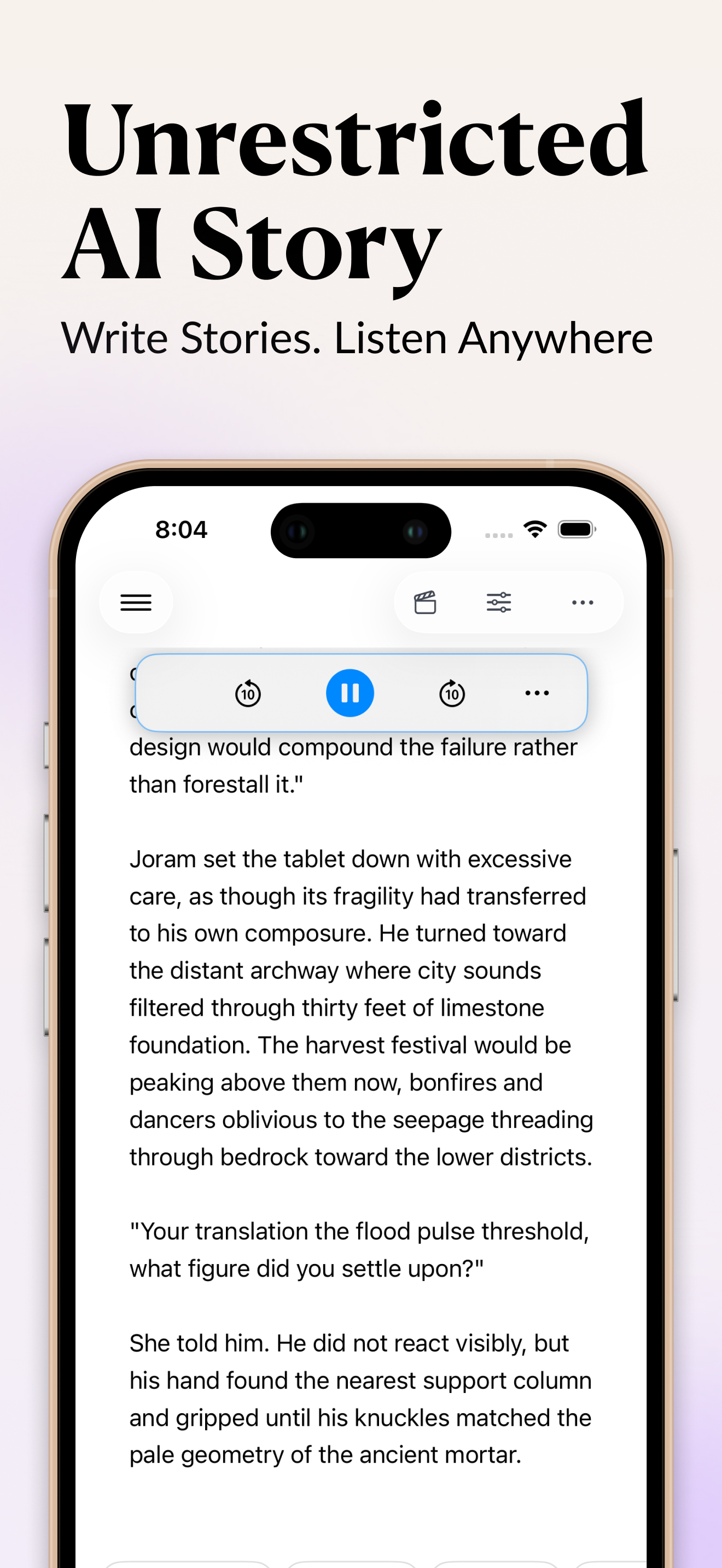
InkPal writing an uncensored story scene on iPhone, with the AI continuing the text without refusals
InkPal continues an adult scene on iPhone — no refusal, no warning, just the next paragraph.
// Why writers choose it

Built for the parts other AIs won't write.

No refusals

It won't interrupt, lecture, or redirect you. Adult themes, intimate scenes, and roleplay are supported, not blocked.

Stays private

Drafts live on your device. No cloud sync, no training on your content. Only you see what you write.

Any tone

Rewrite, expand, soften, or intensify any passage. Channel a favorite author's voice or your own.

One-tap continue

Stuck mid-paragraph? Tap once and the AI picks up your person, tense, and pacing — and keeps going.

Long-form ready

Plan chapters, keep characters consistent, and expand outlines into full scenes without losing the thread.

English & Chinese

Write fluently in EN or CN, with the same uncensored, no-warning experience.

// What "uncensored" means here

Where the filters come off — and where they don't.

An uncensored AI writer doesn't mean "anything goes." It means the tool is built to write the kinds of fiction mainstream assistants refuse on principle: explicit romance, adult scenes, intimate detail, mature roleplay, dark themes, violence in narrative context, and morally complicated characters. InkPal writes those scenes in your voice, with your pacing, without lecturing you.

What InkPal won't write: content depicting minors in any sexual context, real-people sexual content, or anything that crosses Apple's App Store rules (which apply to the app itself). The line is sexual content involving minors and real-world harm — not adult themes between adults in fiction.

The practical difference shows up in everyday writing:

// How writers actually use it

From a one-line idea to a finished chapter.

A typical writing session in InkPal:

  1. Drop in a premise. One line is enough: "A linguist on a quiet island falls for the man hired to spy on her." InkPal can expand it into a scene, characters, and the first chapter.
  2. Tap Generate to continue. When you stop mid-paragraph, the AI picks up your person, tense, and pacing — not a generic continuation, but yours.
  3. Steer the tone. Select a passage and ask for it softer, darker, more intimate, more restrained, more violent, or more romantic. Each rewrite stays in the voice you've established.
  4. Roleplay a scene. Switch to roleplay mode for any character, run the conversation in real time, then drop the transcript back into the manuscript.
  5. Listen to it. Use playback to hear the chapter at the end of the night — reading aloud catches what your eyes miss.

You don't have to follow this order; InkPal is a canvas, not a wizard. But this is the loop most writers settle into within the first session.

// Prompts that work well

Specific prompts unlock specific writing.

Vague prompts ("write a love scene") get vague output. A few patterns that tend to produce stronger drafts:

// The same prompt, two different answers

Uncensored vs. general AI — concretely.

"Write a scene where she kisses him in the rain after they've been arguing for an hour." Drop that into a mainstream assistant and you'll likely get a high-level summary or a refusal-flavored deflection. Drop it into InkPal and you get the kiss — the breath, the misread, the hand on the back of the neck. The difference isn't intelligence; it's policy.

The same gap shows up across genres:

ScenarioWhat mainstream AI doesWhat InkPal does
IntimacyFades to blackWrites the scene
Dark themesSoftensCommits
Morally messy charactersSanitizesLets them stay messy
Long-form continuityResets toneRemembers what you've established

For most non-fiction work, mainstream tools are fine. For fiction that earns the page, the lack of refusals matters more than any single feature.

// FAQ

Questions about uncensored AI writing

What is an uncensored AI writing app?

An uncensored AI writing app drafts fiction without the content filters, refusals, or safety warnings that general-purpose AI tools apply. InkPal is built for iPhone and helps you write romance, fantasy, roleplay, and adult fiction without interruption.

Is there an uncensored AI writer for iPhone?

Yes. InkPal is an uncensored AI writer for iPhone, available free on the Apple App Store. It is designed for mature and adult creative writing and does not lecture, redirect, or refuse.

Does InkPal keep my writing private?

Your drafts are stored on your device and InkPal does not train on your content. Your story stays where you wrote it — in your pocket.

Is InkPal free?

InkPal is free to download on the App Store, with no sign-up required to start writing.

// Start tonight

Write the scene other AIs refuse.

Free to download. No sign-up. Open it and start writing.

Download on the App Store · Free